Recently I noticed a small but slightly surprising change. After committing code through VS Code with GitHub Copilot involved, my commit message contained this extra line:
1 | Co-authored-by: Copilot <copilot@github.com> |
It looked like this:
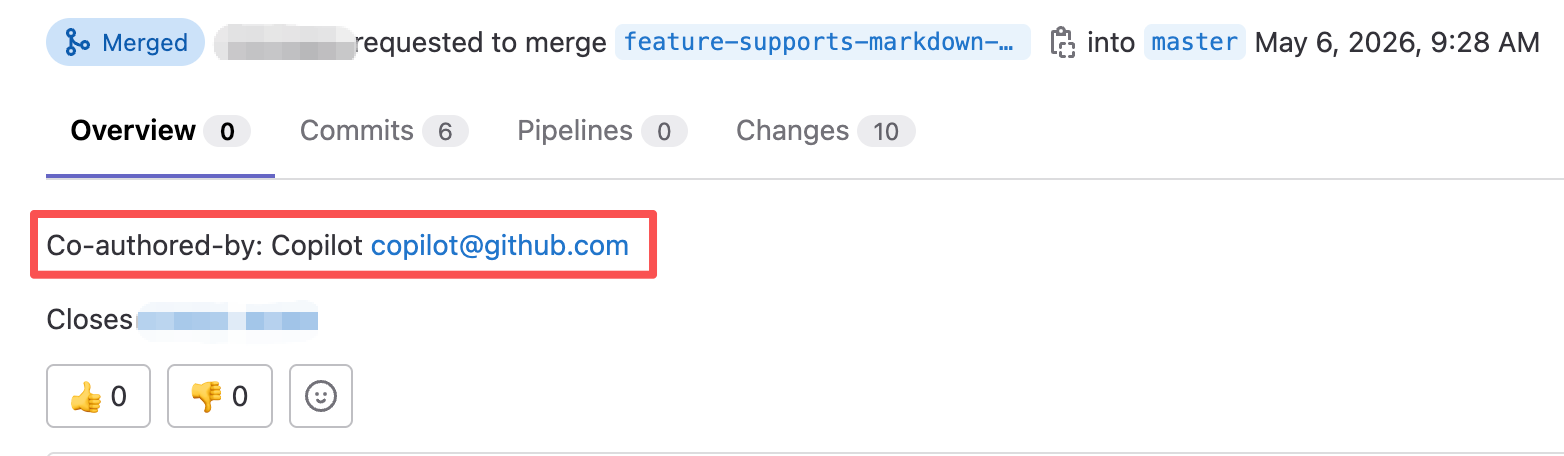
My first reaction was basically: Microsoft has quietly added another little default.
What this setting does is simple: when Copilot Chat or Agent participates in a code change, VS Code can automatically append an AI co-author trailer to the commit message. In some team workflows, that may be useful as a transparency signal. For everyday personal commits, though, it can make the history noisier than expected, especially because the default behavior is easy to miss.
To turn it off:
- Open VS Code Settings.
- Search for
Add AI Co Author. - Find
Git: Add AI Co Author. - Change the default value from
chatAndAgenttooff.
The setting looks like this:
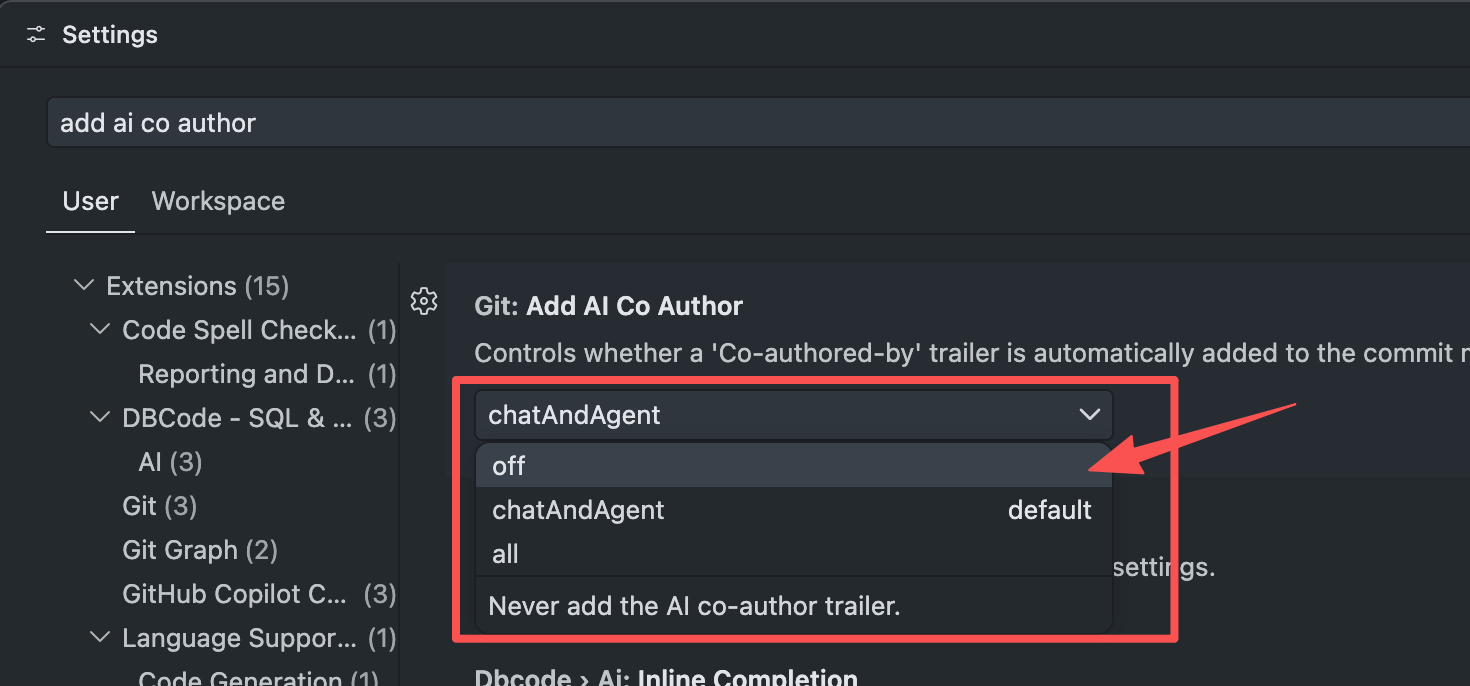
After that, commits made from VS Code should stop automatically adding:
1 | Co-authored-by: Copilot <copilot@github.com> |
If your team wants to keep AI involvement visible in commit history, leaving it enabled is reasonable. If you prefer cleaner commit messages, switching it to off does the job.

